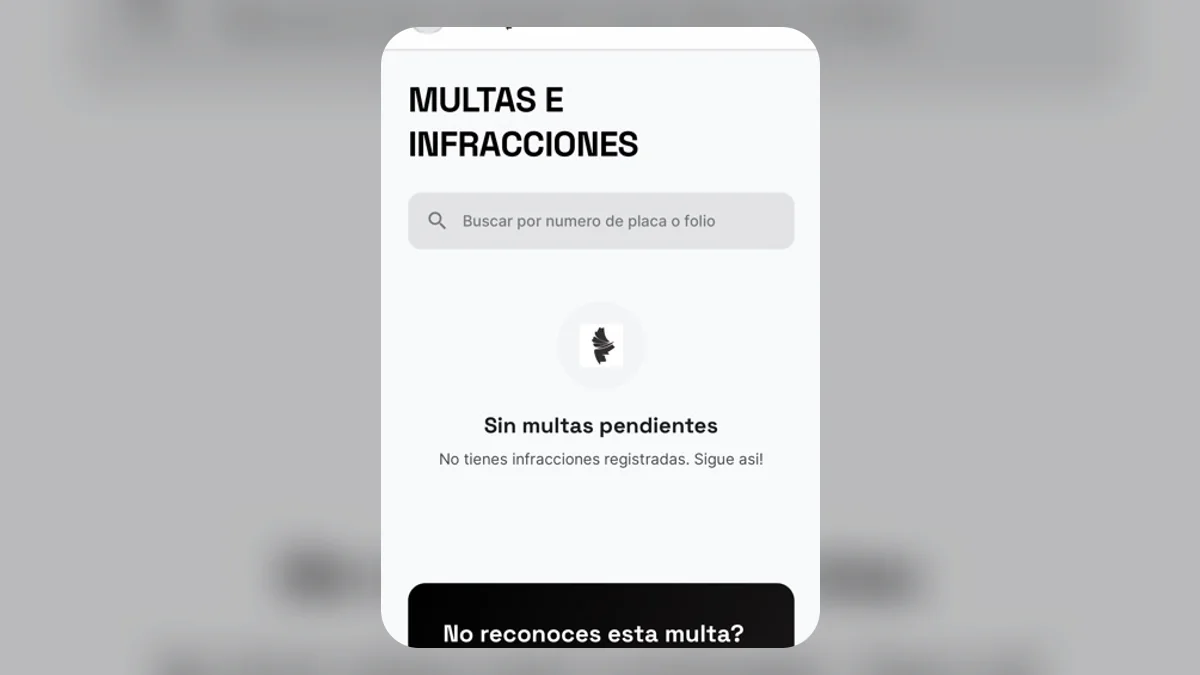
How to know if I have fines in Nuevo León?
Fines may depend on the state or municipal authority that issued them. RegioPlacas shows available vehicle information, but it does not replace an official certificate or a direct authority lookup.
Ways to check your fines
1. Online through the government portal
Start with your official ICVNL account statement. For a municipal fine, also confirm with the municipality that issued it.
2. In person at transit offices
If the portal does not provide enough information, or you need to challenge, clarify, or pay a fine, use the official channels of the relevant authority.
3. From the RegioPlacas app
In RegioPlacas you can review the information available for your vehicle:
- Open the app and select your vehicle
- Go to the fines section
- Review any source and last-updated date shown
- Confirm amounts, validity, and payment with the authority before acting
What information do I need?
The app uses the registered plate. The authority may require additional information for an official lookup or procedure.
What happens if I don't pay my fines?
Surcharges, restrictions, and other consequences depend on the violation and competent authority. Review the official decision or account statement; this article is not legal advice.
Tip: stay up to date
You can set reminders in RegioPlacas. Delivery depends on enabled permissions and channels and does not replace official verification.